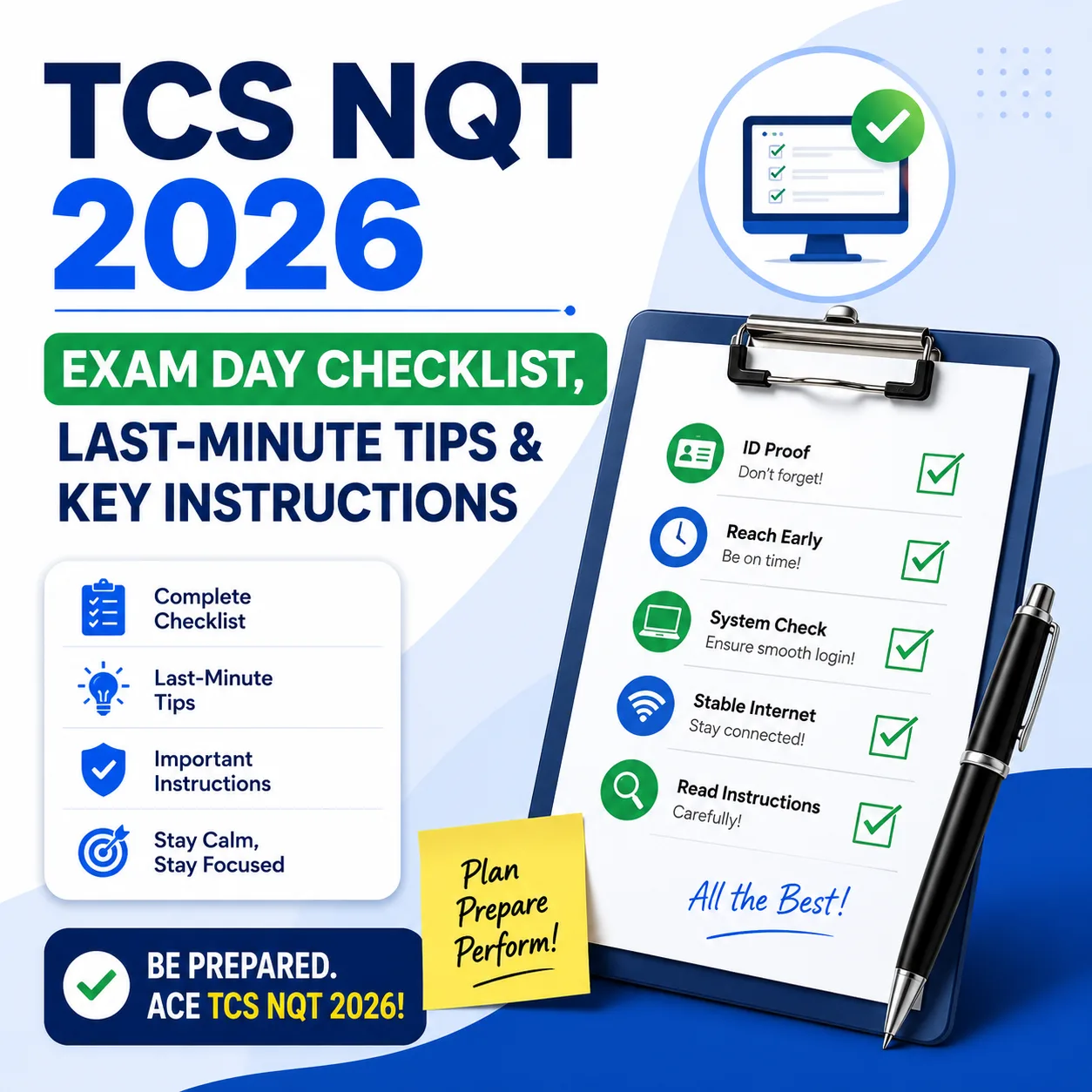
The TCS NQT is often decided in the first ten minutes — before you have even opened the first question. A missing ID, a banned gadget left in your pocket, or simply not knowing the reporting time can cost you the attempt entirely. This guide covers exactly what to carry, what to leave at home, the last-minute instructions test-takers most often forget, and the key things to keep in mind walking in.
Preparing for TCS NQT 2026? Get the full course — Numerical, Reasoning, Verbal, Coding & interview modules. View Course →Note: Exact rules can vary slightly by test center, mode (remote-proctored vs. center-based), and the instructions on your own admit card. Always treat your official TCS NQT admit card and email communication as the final word — use this guide to prepare, not as a replacement for it.
Last-Minute Test Instructions
Ten things to lock in before you walk into the exam center — in order.
1. Things You Must Carry
✅ Carry These
- Printed copy of the confirmation email received from / sent to your registered email ID
- College ID card
- Original government photo ID — Aadhaar Card / PAN Card / Voter ID / Driving Licence (no digital copy)
- A transparent pen — metal pens are not allowed
- A transparent water bottle
🚫 2. Prohibited Items
- Digital/smart watch, mobile phone, or calculator
- Metal or gold finger rings, necklaces
- Silver or gold chandi / maduli (metal threads or amulets)
- Personal items and bags
Important: Your government ID must show a complete Date of Birth — date, month, and year. IDs with an incomplete DOB will not be considered valid, and a college ID card alone is not accepted as photo ID proof.
3. Dress Code
- College uniform (suggested) or formal dress
- Formal shoes
4. Attendance Process
- Scan the attendance QR code available at the entry gate.
- Mark attendance a second time by signing your name after entering the exam lab.
- Frisking is done by TCS security personnel as part of entry — cooperate and keep your documents handy.
5. Room Allotment Process
TCS maps every student to a specific exam lab against their TAG or CT/DT number, in the format TAGP26#####.
Do not sit in an unmapped lab. If you sit in a lab you were not assigned to, you will face disciplinary action — always confirm your correct lab before entering.
6. Inside the Lab
- Check your laptop and keyboard are working properly before the exam starts.
- Wait for login instructions from the TCS invigilator.
- Raise your hand for any technical issue. Inform the invigilator — they may switch your system, and your exam time may be paused while this happens.
- Expect frisking every time you leave for the washroom during the exam.
7. Topics to Revise — Aptitude
- Go through all the questions first and attempt the easy ones first.
- Questions tend to be lengthy, so time is the deciding factor — don’t get stuck.
8. Passage Recall — Likely Themes
Corporate-scenario passages — recall-and-answer style.
9. Email Writing — Likely Scenarios
10. Coding Topics to Revise
Key Takeaways
- Carry the printed confirmation email, college ID, and an original government ID with a complete DOB — incomplete DOB details get your ID rejected.
- No jewellery, no personal electronics, no bags — frisking happens at entry and again after every washroom break.
- Know your TAG/CT-DT number and sit only in your assigned lab — sitting elsewhere can mean disciplinary action.
- Raise your hand immediately for any technical issue — your exam time can be paused while it’s fixed.
- In Aptitude, attempt easy questions first — the paper is lengthy, so time management decides your score more than difficulty does.