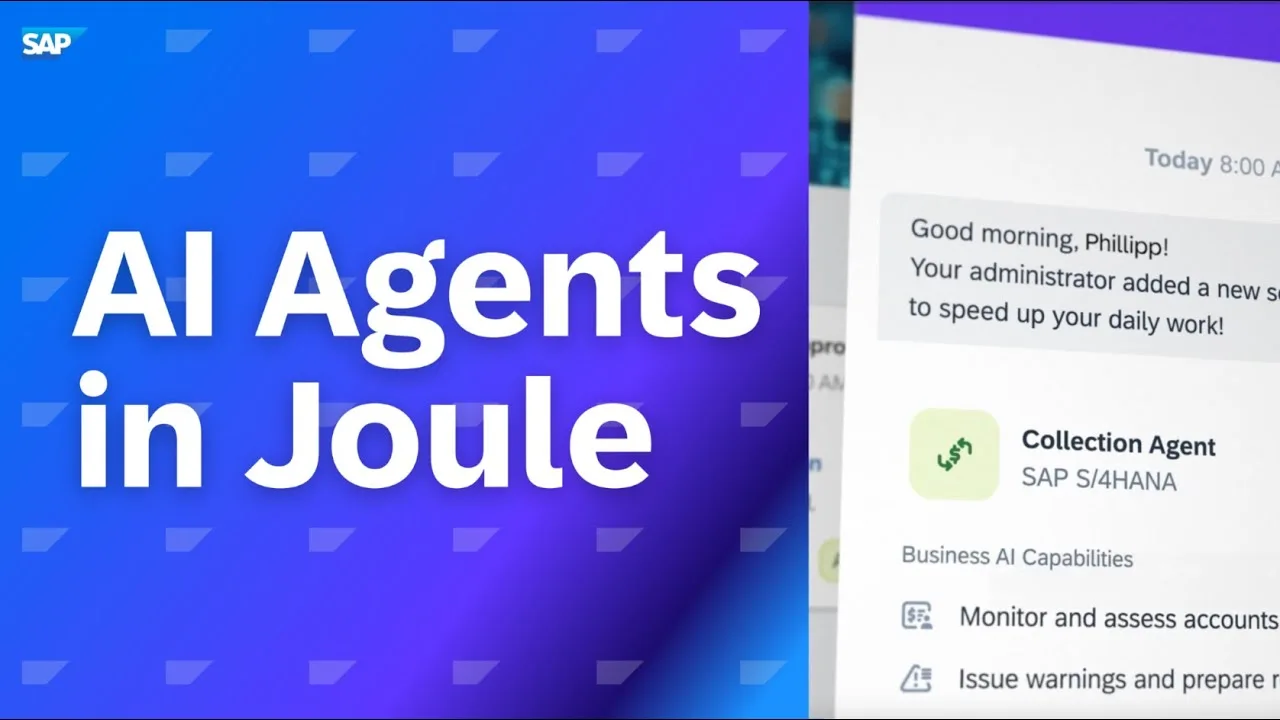
What is SAP Joule Studio?
SAP Joule Studio is an AI agent development environment built on SAP Business Technology Platform (BTP). It allows SAP developers and technical consultants to build, test, and deploy custom AI agents — called Joule Agents — that automate complex multi-step business processes using natural language and SAP APIs.
Think of it as an IDE where you create AI assistants that can perform SAP business tasks on behalf of users — not just answer questions, but actually execute actions across SAP systems.
What Can Joule Agents Do?
A Joule Agent can combine multiple SAP APIs, decision logic, and language model capabilities to automate entire workflows:
- Procurement Agent: Detects materials below reorder point → creates purchase requisition → sends for approval → notifies buyer — all triggered by a natural language command
- Invoice Processing Agent: Reads a scanned invoice → matches to PO and GR → posts in MIRO → flags discrepancies → emails vendor if needed
- HR Onboarding Agent: Creates employee master data → assigns role and access → sends welcome email → schedules orientation — triggered by a hiring manager
- Sales Order Agent: Customer says "I want to order 100 units of product X for next Friday" → agent checks availability → creates sales order → confirms delivery date
How to Register for the Live Session
Step 1 — Login to the Portal
Go through the link and click on "Login" and enter your login details.
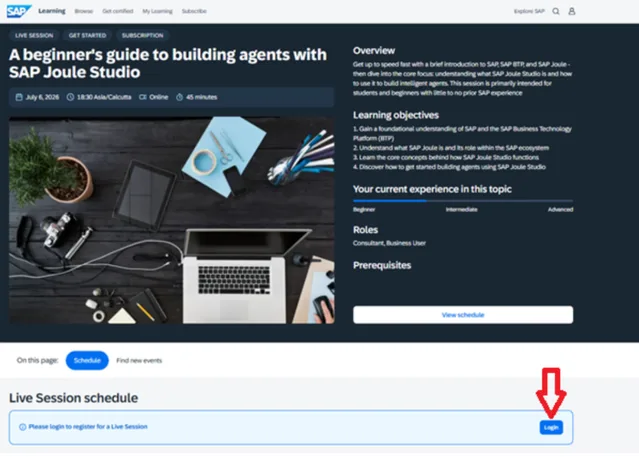
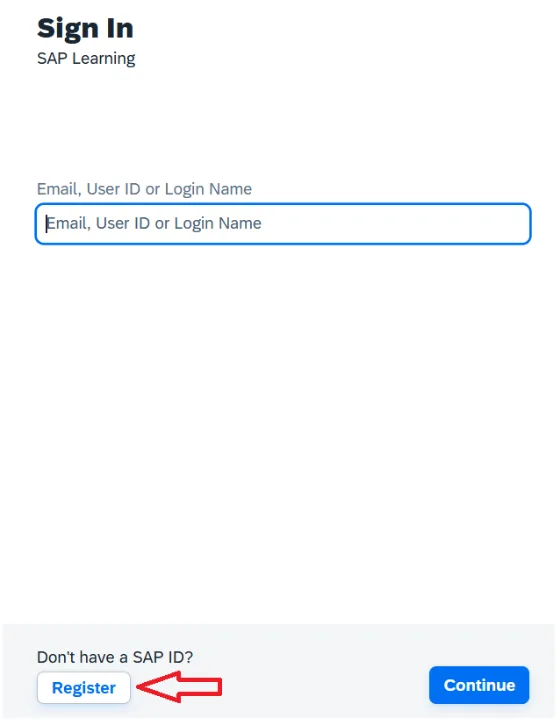
Step 2 — Create a New Account (if not registered)
If you haven't created an account, click on "Register". Then provide basic information:
- First Name, Last Name, and Email ID
- Set your password
- Check your email to verify your email address
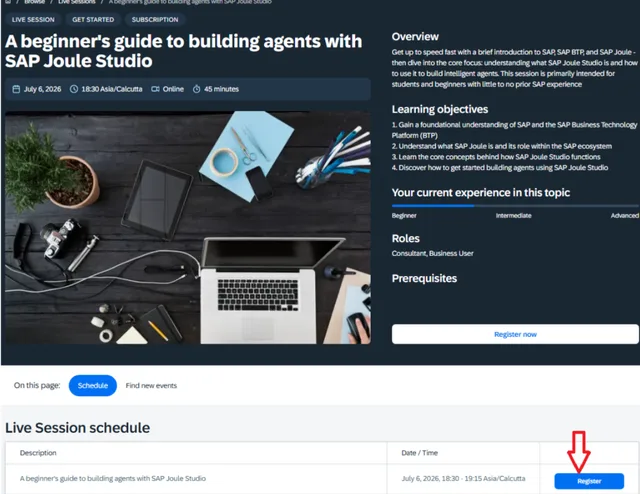
Step 3 — Enroll for the Session
After successful login, click on "Register" to enroll for this session.
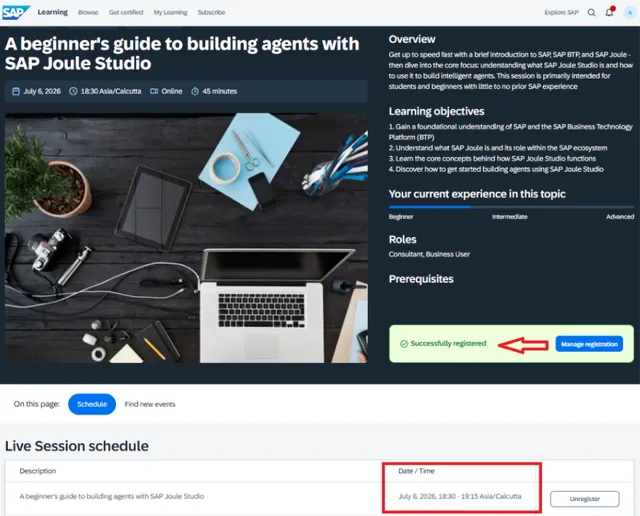
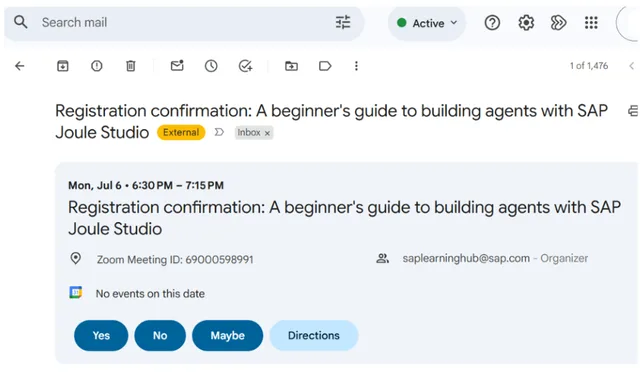
Step 4 — Confirmation & Email
You have now registered successfully and will receive a confirmation email.
Key Concepts in Joule Studio
Agent Tools
Tools are the actions an agent can perform — essentially wrappers around SAP APIs, OData services, or external REST APIs. An agent selects the right tool based on the user's natural language input.
Agent Skills
Skills are predefined sequences of tools that handle common business tasks. SAP provides built-in skills for core MM, SD, FI, and HR processes that you can extend or customize.
Retrieval-Augmented Generation (RAG)
Agents can be grounded on your organization's knowledge base — SAP documentation, process manuals, policy documents — so they give accurate, context-specific answers rather than generic LLM responses.
Joule Copilot vs Joule Agents
- Joule Copilot: Pre-built AI assistant embedded in SAP apps — out-of-the-box capabilities for business users
- Joule Agents (Joule Studio): Custom AI agents built by developers to automate custom business processes specific to your organization
Career Impact of SAP Joule Studio
SAP developers who can build Joule Agents are emerging as some of the highest-compensated SAP professionals in 2025–2026. This skill requires SAP BTP knowledge, ABAP or JavaScript, OData/API skills, and AI prompting expertise.
Build the foundation with our free courses: SAP ABAP is the essential first step before learning Joule Studio development.
Ready to Build Your First AI Agent?
Explore SAP Joule Studio inside SAP Build and start creating intelligent agents that transform how your enterprise works.